
After testing numerous gaming mice, we've pinpointed some top contenders that offer a blend of performance, comfort, and unique features for gamers. From ultralight designs to premium builds and budget-friendly options, there's a mouse here to suit various playstyles and preferences.
For those prioritizing an ultra-light experience, the Corsair Sabre V2 Pro Ultralight at $130 is a standout, though its thin shell might not appeal to everyone. If you prefer a more substantial feel without sacrificing too much weight, the Corsair Sabre V2 Carbon Fiber and Magnesium models ($170) offer premium materials and exceptional rigidity, with the magnesium version being a great value.
The Logitech Pro X Superlight 2 Dex ($160) remains a comfortable and capable choice, especially as it can often be found on sale, making it a solid alternative to pricier options. For MMO enthusiasts, the Corsair Scimitar Elite Wireless SE ($80) provides customizable macro buttons, essential for games demanding quick access to numerous commands, even if it doesn't match the technical specs of performance-focused mice.
The Steelseries Aerox 3 ($100) is a unique option, offering a lightweight, waterproof design with Bluetooth connectivity, making it ideal for diverse gaming setups or accident-prone users. On a tighter budget, the Logitech G203 ($27) punches above its weight, delivering essential gaming features like RGB lighting and six programmable buttons without breaking the bank.
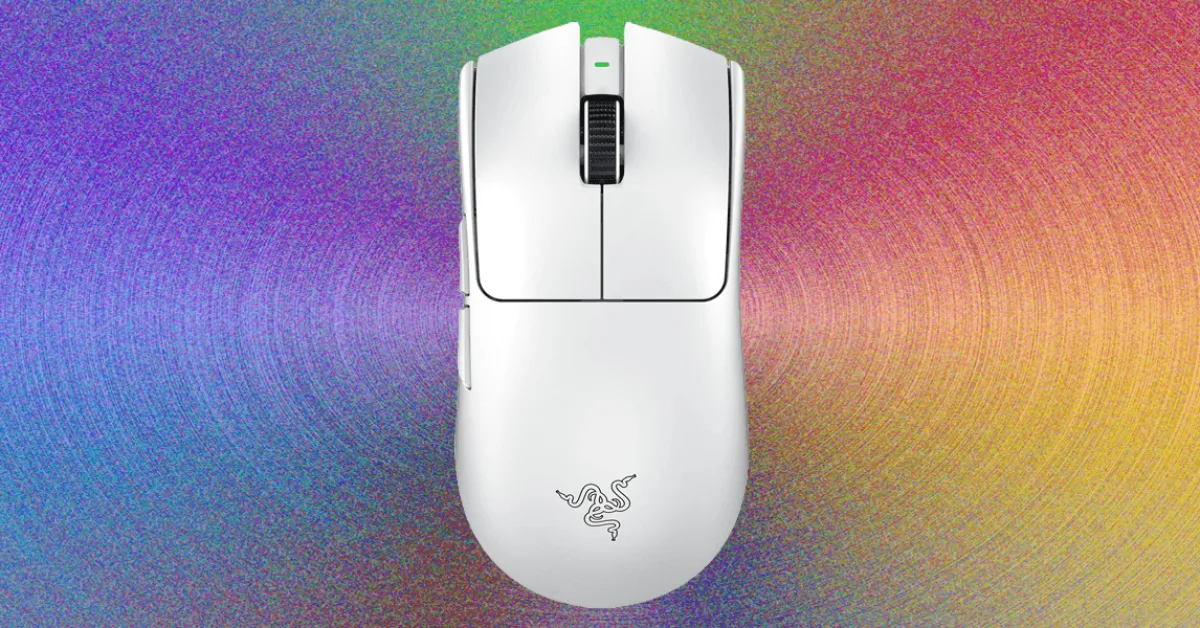
For those seeking high-end performance, the Razer Viper V3 Pro ($100) offers an excellent balance of lightweight design, long battery life, and high polling rates, making it a fantastic value, especially compared to its newer iteration. Sony's Inzone Mouse-A ($148) boasts premium build quality and a light 48-gram design, but potential buyers should be aware of connectivity quirks and a less-than-ideal scroll wheel.
Beyond the mouse itself, a quality mousepad can significantly enhance your gaming experience. Options like the durable Harber London Professional Leather Desk Mat ($239), the reliable SteelSeries QcK Mouse Pad ($11), or the stylish and comfortable Grovemade Wool Felt Desk Pad ($70) can provide a superior surface for optimal mouse glide and desk aesthetics.
When choosing a gaming mouse, remember that features like sensitive optical sensors, extra programmable buttons, and high-quality, durable switches are key differentiators. While DPI is often hyped, most gamers find a sensitivity between 1,000 and 1,600 DPI sufficient. Crucially, consider your hand size and grip style – whether palm, claw, or fingertip – to ensure maximum comfort and control during extended gaming sessions.